How to Export Emails from Apple Mail to EML?
Introduction
This blog describes the correct way to export emails from Apple Mail to EML. So, if you want a trustworthy and genuine solution read this article till the end.
EML (Electronic Mail Format) is a commonly supported file format used to store individual email messages, including headers, body content, attachments, sender information, recipient information, and other message details.
And EML can open by several email applications and it is often used for email migration, and backup. However, exporting a large number of messages manually from Apple Mail seem inconvenient and time-consuming. So, users might need a direct software solution that can simplify the process. And here users are going to explore on the finest ways to export Apple Mail to EML.
Why Do Users Export Apple Mail Emails to EML? – Reasons
- For creating a backup of essential Apple Mail messages.
- Archive emails for future reference.
- Transfer emails between compatible email applications.
- Save individual messages outside the Apple Mail database.
- Preserve emails with their attachments.
- Migrate mailbox data to another platform.
- Access individual emails independently of the Apple Mail application.
Get a Direct Method to Export Apple Mail to EML
CubexSoft Apple Mail Converter software is designed to convert Apple Mail emails to EML files. Users can simply select the required Apple Mail mailbox or email data, choose EML as the output format, specify a destination folder, and start the export process. The application processes the selected messages and creates EML files that can subsequently be accessed, transferred, or archived. This approach can be particularly useful when a mailbox contains hundreds or thousands of emails. Rather than opening each message and manually saving it, users can process multiple emails in a single operation. The tool is easy to use, one can operate it without any technical skill. And it is available for Mac users and Windows OS users. Demo edition enables to export emails from Apple Mail to EML files free of cost. Now, let’s move to the next section and know how to use this application.
Learn How to Export Emails from Apple Mail to EML
Step1: Install and Launch the Software: First, install the Apple Mail MBOX Converter using the following link.


Step2: Select the Apple Mail Data: Next, select the mailbox, folder, or email data containing the messages you want to export.
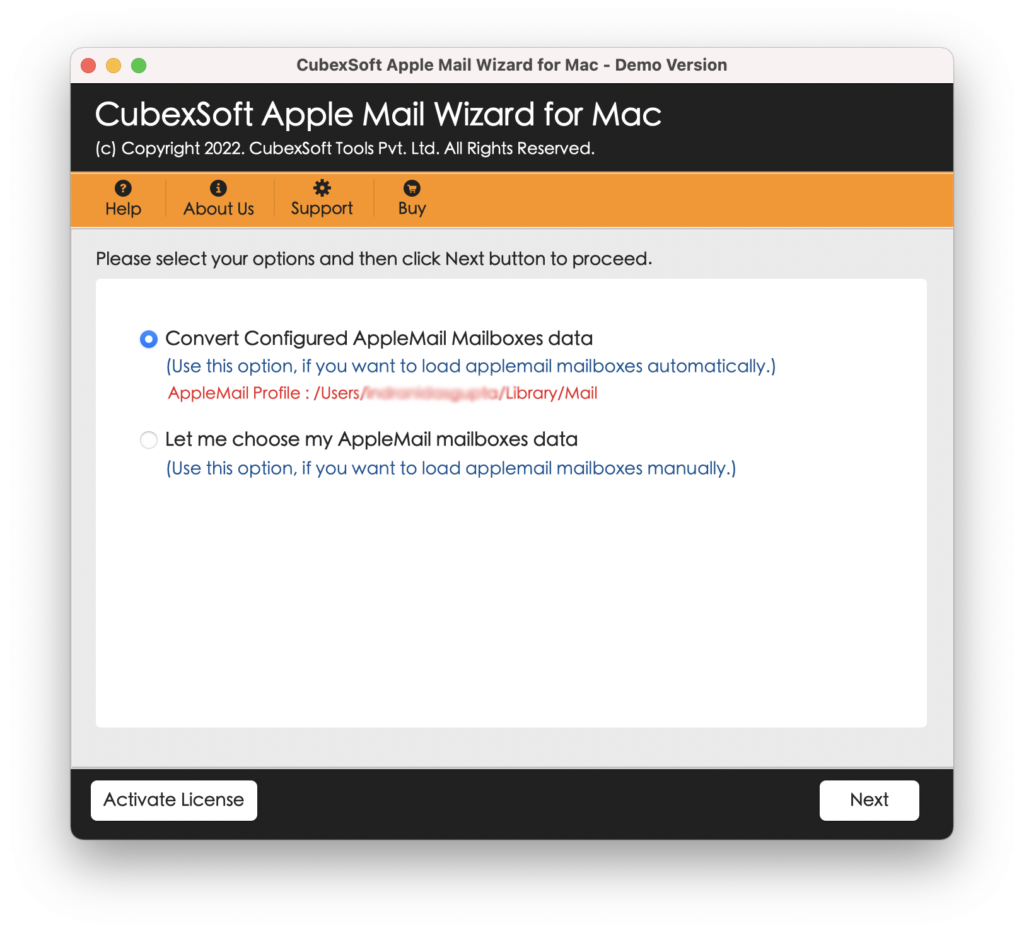
Step3: Choose EML as the Export Format: Select EML as the destination format from the available export options.
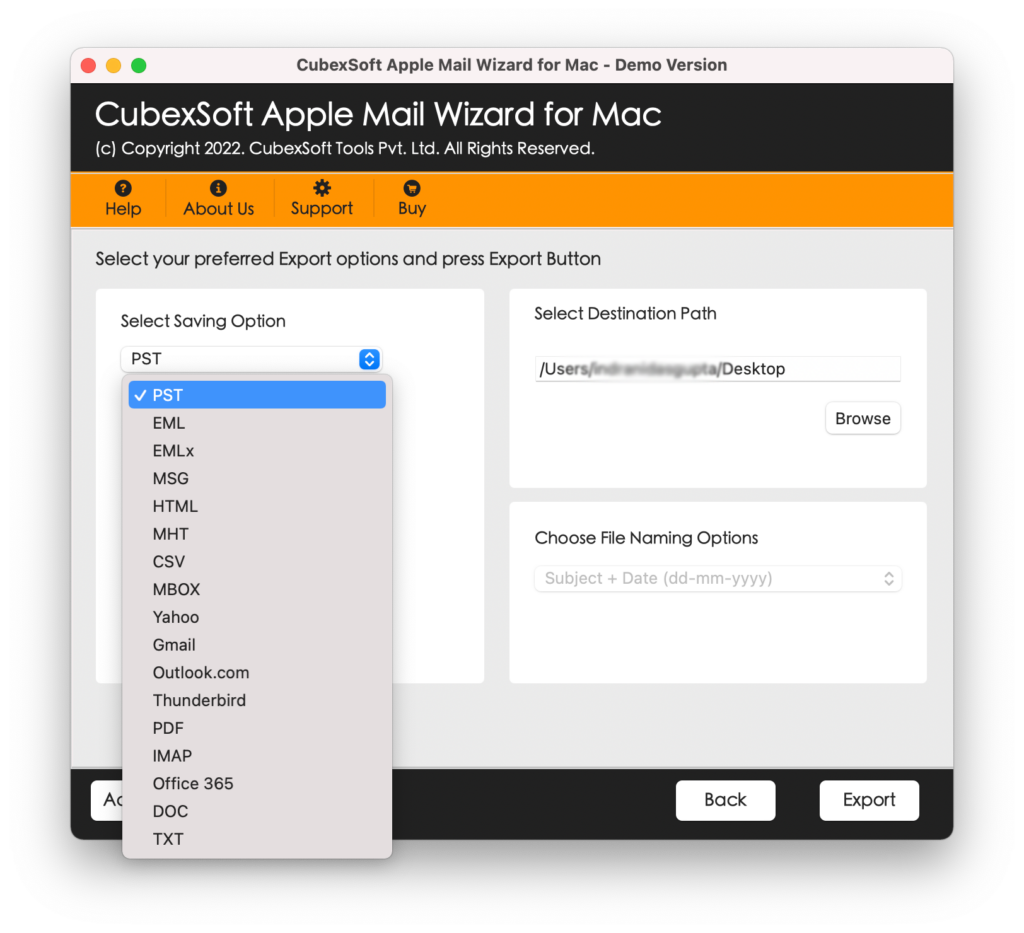
Step4: Select the Destination Folder: Choose a location on your computer where the exported EML files should be saved.
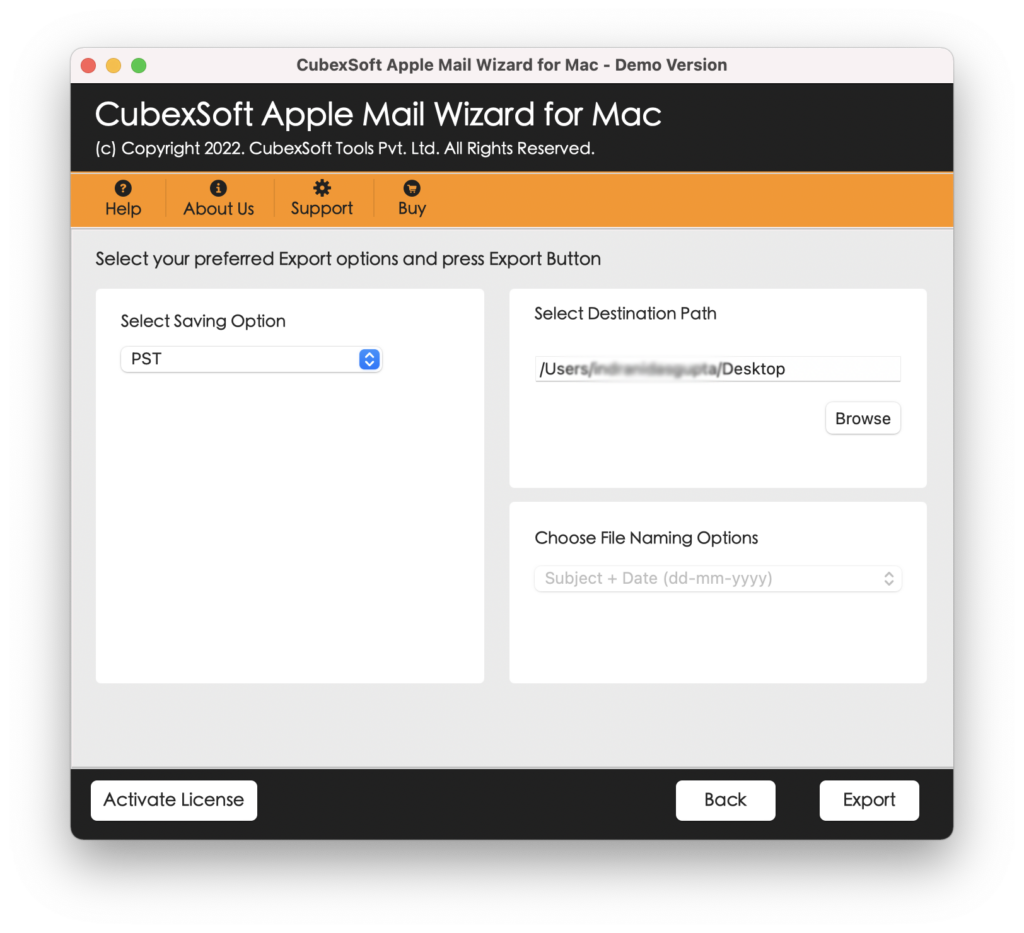
Step5: Start the Export Process: Start the export operation by clicking the Export button.
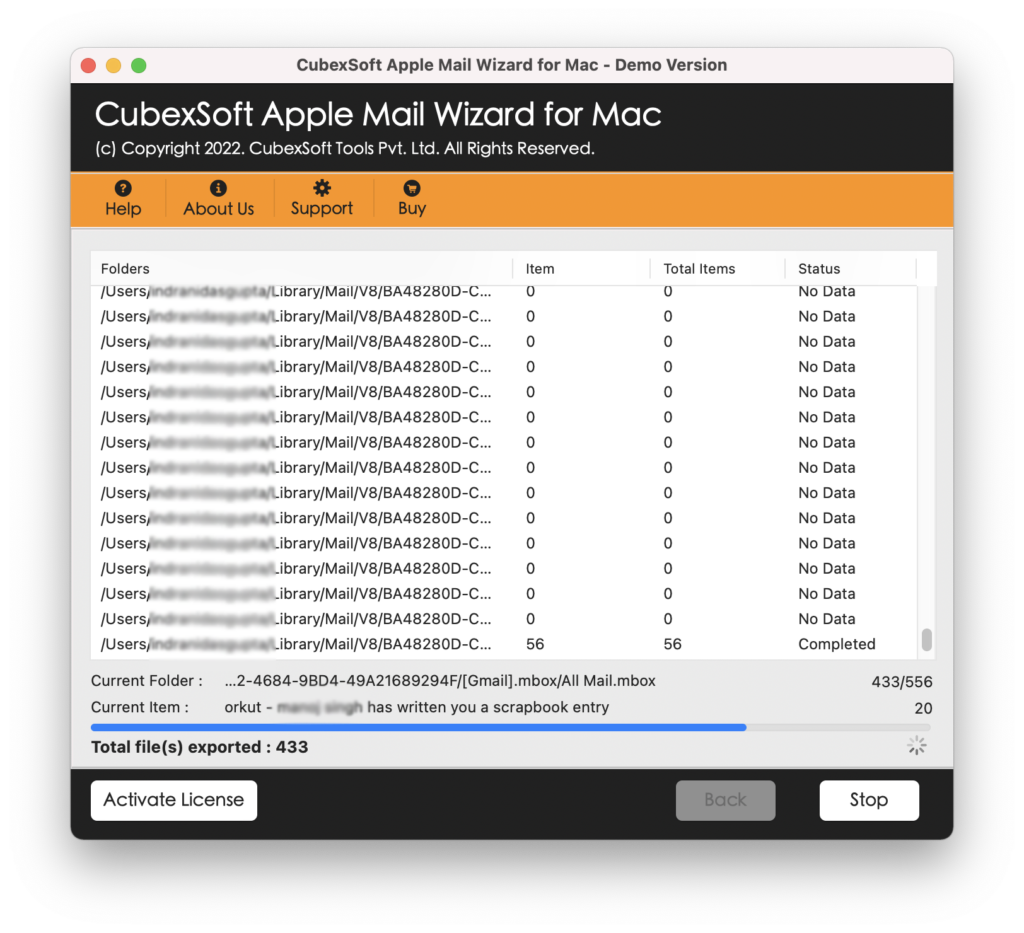
Key Features of the Export Tool for Apple Mail to EML
Apple Mail to EML File Conversion: Export Apple Mail messages into EML format.
Bulk Email Export: Process multiple emails instead of saving messages one at a time.
Attachment Preservation: Maintains email attachments along with the exported messages.
Original Email Structure: Preserves email information such as sender, recipient, subject, date, and message content.
Easy-to-Use Interface: Provides a simple interface suitable for users with different levels of technical knowledge.
Selective Export: Allows users to choose particular folders or messages instead of exporting everything.
Fast Processing: Processes large numbers of emails efficiently.
Standalone EML Files: Create separate EML files that can save independently.
Frequently Asked Questions (FAQs)
Can I export multiple Apple Mail emails to EML?
Answer: Yes. the software processes multiple messages. Users can convert multiple Apple Mail emails into EML files in a single operation.
Is it possible to export only selected Apple Mail folders?
Answer: Yes, the application supports selective folder processing. Users can select the required mailbox or folder rather than exporting the entire Apple Mail database.
Is technical knowledge required to use the software?
Answer: No, the application is designed with a simple graphical interface and guided workflow. Basic computer knowledge or no knowledge is sufficient. Anyone can utilize the software with ease, without any technical skill.
Can I run this app on Mac OS Monterey?
Answer: Yes, the application runs on all editions of Mac Operating Systems for example Mac OS Monterey, Catalina, Mojave, High-Sierra, Mojave, Big-Sur, and many more.
Read more
Wrap Up
Exporting emails from Apple Mail to EML is an effective way to back up, migrate, and manage individual email messages. The Apple Mail to EML Export software can simplify the conversion process by allowing users to select their mailbox data, choose EML as the output format, specify a destination, and export multiple messages in a structured manner. The process is so simple that any user can proceed with it. Once the operation is complete, users can verify the resulting EML files and organize them for backup, migration, or archival purposes. For users managing a large collection of Apple Mail messages, the tool can save considerable manual effort and provide a more convenient way to work with emails outside the Apple Mail environment. Users can opt for the free demo edition of the software that allows exporting 25 emails from Apple Mail to EML files without any charges. Users can perform the conversion on Mac and Windows Operating Systems.
